In today’s blog post, we are going to tell you about PopAds. We will tell you the complete review of this website, how you can get your website approved here and how you can create your account. Along with this, if you want to give ads on your website, then also you can give ads here in some way. How can you convert your account into Advertisement and Publicer. Along with this, how can you generate revenue by monetizing your website from here and how can you transfer that revenue to your Paypal and bank account.
We want to review this website because any user who creates his website and if that website is not approved by Google Adsense, then he can monetize his website by using this website and can earn by monetizing the traffic from Google and other platforms. You have to read this blog post completely and you can monetize your website. If you like this blog post then comment on this blog post and share it with your friends.
What Is PopAds
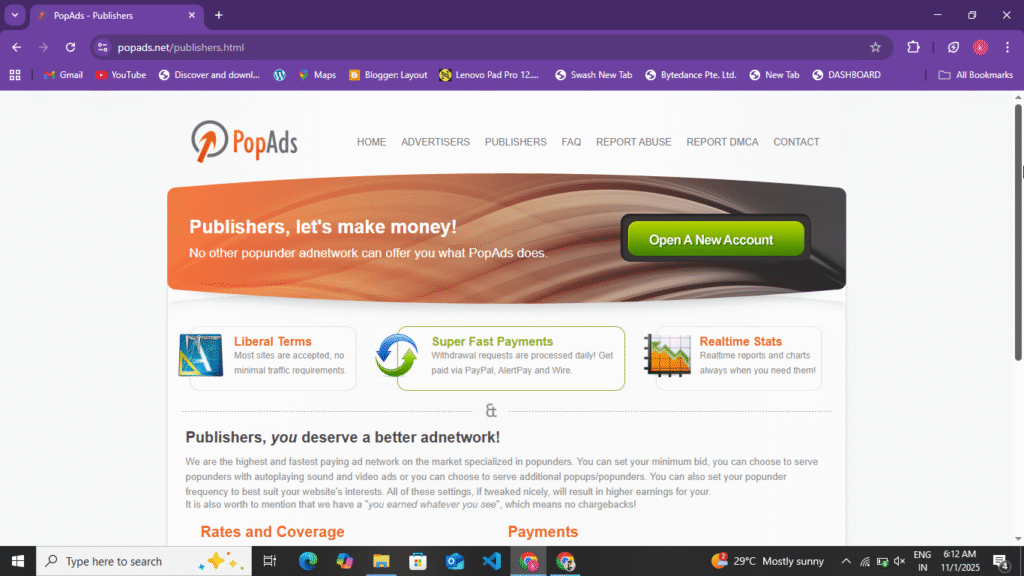
PopAds is an AI-powered website that allows you to monetize your website. It allows users to generate traffic and leads on their website. If users want to monetize their website and place ads on their website, they can use this website. It also monetizes websites and places ads on their websites. It’s 100% genuine and is PopAds’ oldest website, operating since 2010. You can easily monetize your website in 1 to 2 hours by adding payments, making your website’s ads live and generating leads. We’ve already uploaded a video to our YouTube channel. You can watch it; you’ll find the link below.
Traffic Stars Best Adsense Alternative Website Full Review :- Read More
How To Create Publisher Account In PopAds
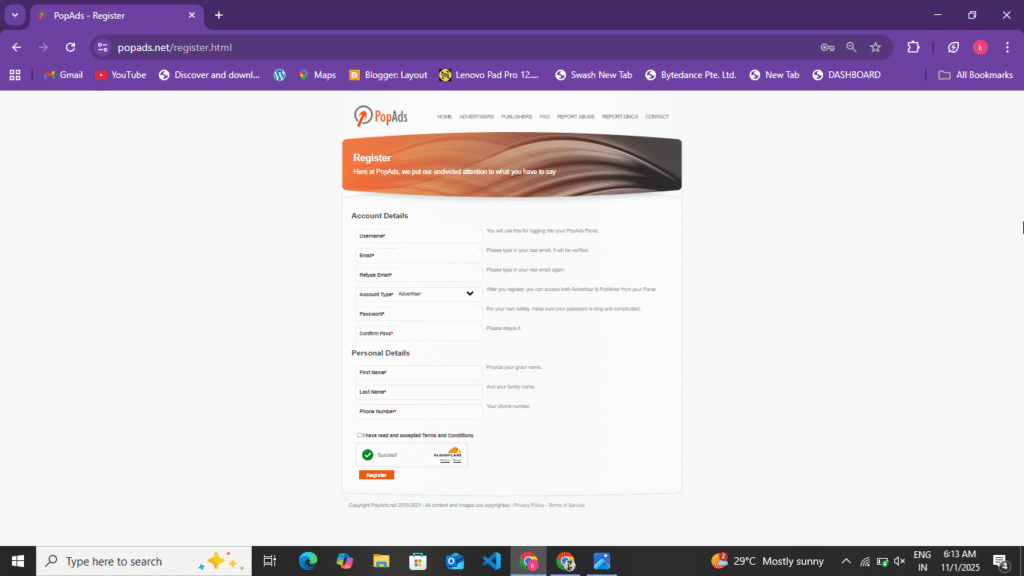
Here you can create your account in two ways. First of all, you can create your account in Publisher and also in Advertisement. If the user who wants to monetize his website, then he should create his account in Publisher and the user who wants to bring traffic to his website and generate leads, he should create his account in Advertisement. In this, we will first tell you how you can create your account in Publisher. To create an account in Publisher, follow the following points.
- First of all, you have to search for PopAds in your browser, after that you will see the link or official website of PopAds on the first or second number, you have to open the website by clicking on it and you will also get its link at the end of this blog post, you have to click on it, after that this website will open in front of you.
- Now after the website opens, you will see the option of Publisher and Advertisement at the top, from that you have to select the publisher, as soon as you select the publisher, you get to see a completely simple website.
- Now in that simple website, you get to see CPM, RPM and CPC and there also you get to see which ads you can put on your website.
- Then you will see the option of Sign Up, you have to click on it. Now as soon as you click on it, a form will open in front of you. In that form, you have to enter your First Name, Last Name, Email and URL of your website and click on the Create Account option.
- Now you will be asked to fill all the information carefully, after that you will get the option of create account, click on it and create your account, as soon as you create the account, you will receive an email on your Gmail, through that email you have to verify your account.
- Now after verifying the account, the URL which you had entered while creating your account or had entered it afresh, here you will get to see the option of Add Website, click on it and enter the URL of your website, after entering the URL you have to verify the ownership of your website, to verify the ownership you can also do it by installing Meta Tag and Root File and Plugin.
- Now after verifying your ownership, you have to wait for 1 to 2 hours, after that your website, whatever its type, will be approved here. After approval, you have to generate your Ads Code here and place it on your website.
- Here you get to see one type of Ads, that is Popunder Ads, you can generate Ads in two ways, one is Anti Deded and the other is Only for Popunder Ads, by selecting from them you can generate the Ads Code.
- Now after generating the Ads Code, paste it in the Head Code of your website. Now your Ads will go live and the number of clicks and impressions your website gets on Popunder Ads will be the same as your earning.
Now you have understood how to create your account in Publisher and how to add your website here, how to verify the ownership and after getting your website approved, how to generate Ads Code and submit it on your website and make the Ads live. Now here you will earn even when a user comes to your website and clicks somewhere, then Popunder Ads open in front of him and Redirection Ads open, on the basis of that you earn here and here you get to see CPM and CPC, according to the number of clicks and the number of impressions you earn here, here you get to see a minimum withdrawal of $5.
How to create an account in advertising
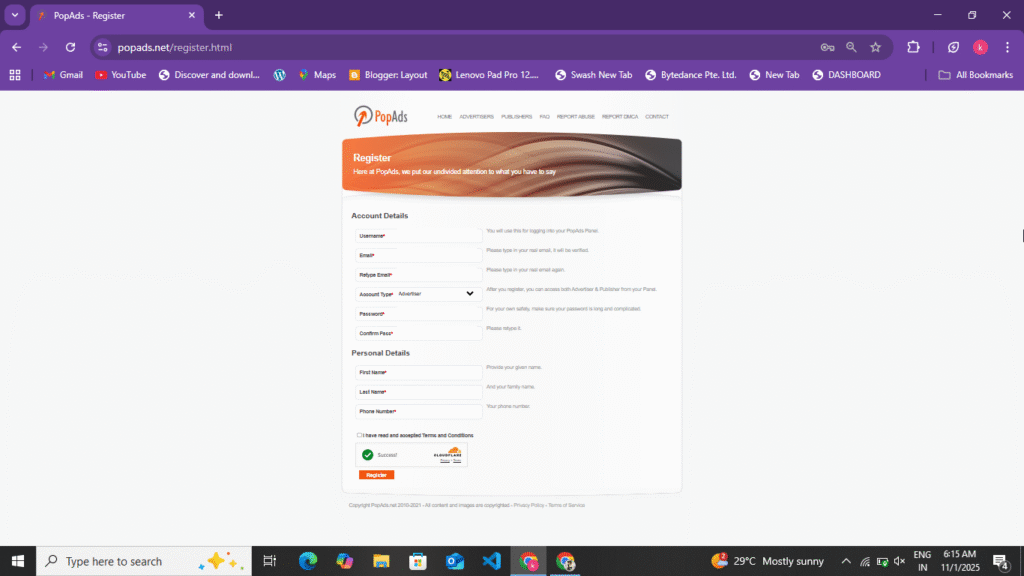
You’ve learned how to monetize your website here and create an account with Publisher. Now, understand how to create an account with Advertising, placing ads on your website to drive traffic and impressions. You can create an account with Advertising by following these steps.
- To create your account in advertising, first you have to search PopAds on Google. You will find this website on the first or second number. Click on it and open this website. You will also find the link at the bottom.
- Now, upon clicking on it, its official website will open in front of you. At the top, you will see the option of Publisher and Advertisement, then you have to click on Advertisement.
- Now here you will see the sign up option at the top to create an account in Advertisement, click on it and enter your first name, last name, mobile number and accept their privacy policy and click on the create account option, as soon as you click, you will receive a mail on your Gmail, you have to verify your account through that mail and if you have created your account in Publisher here, then you will get to see the advertisement option there also, the earning which you had done in PopAds, you can transfer that earning from there to Advertisement and by making the campaign live, you can bring impressions and traffic to your website.
- Now after creating the account, you will have to add your payment here. If your account is created in Publisher and there is earning in it, then you can also add it here or transfer it. If your account is in Advertisement, then here you will see the option of Add Payment and Billing, you have to click on it and here you can withdraw only up to a minimum of $50, maximum you can do any amount.
- Now after adding your payment here, you have to create the campaign. To create the campaign, you have to enter the title of your campaign and the URL of the website to which you want to take the traffic. Here you have to select CPC, CPM, RPM. If you select CPC, then your earning is deducted on the basis of clicks and if you select CPM, then the payment is deducted on the basis of impressions. Now you can select as per your convenience.
- Now after creating the campaign, make it live and your campaign will be under review and processing for some time, after that your campaign will go live and traffic will start coming.
In this way, you can create your account in Advertisement and Publisher. By creating it in Advertisement, you can bring leads and traffic to your website and by creating your account in Publisher, you can monetize your website. Here you get to see CPM, CPC and RPM. When you make your campaign live, at that time you have to select CPM or CPC. In CPM, your earning is deducted on the basis of impressions and in CPC, the earning is deducted on the basis of clicks. Now you can select accordingly.
Types Of PopAds
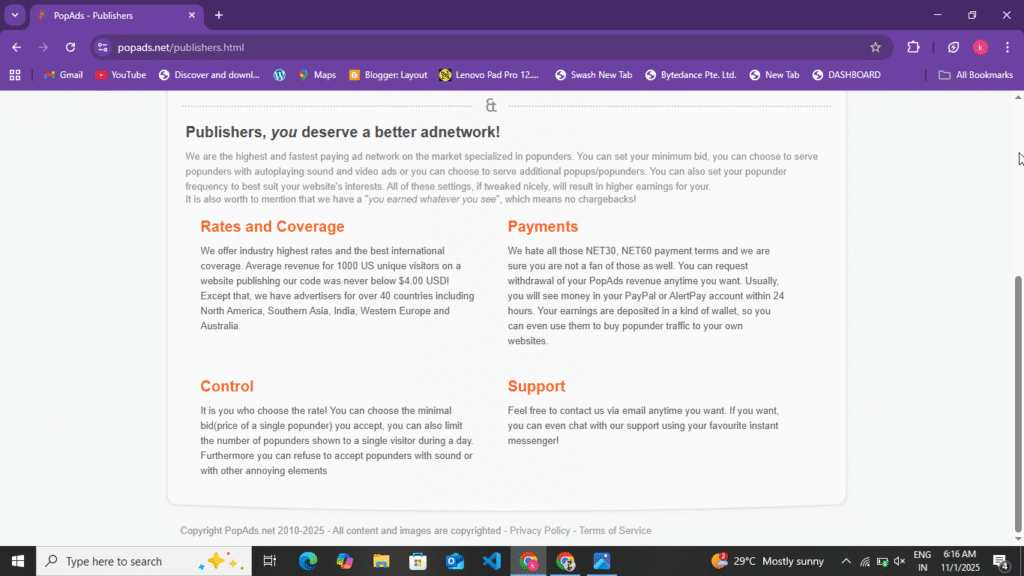
If you get your website approved on the PopAds website, then you get to see an Ad here, that is Popunder Ads. You can get two types of Ads Code generated for it, in which you get to see the software Ads Code, you can select as per your choice. Here you get to see CPM ranging from $2 to $4 and if the traffic comes from the United States, then you get to see more too. It is decided on the basis of the quality and communication of your traffic.
- Popunder Ads: – In this you get to see Popunder Ads, this is the ad with the highest CPM, it has to be placed under the Head Tag in your website.
How to transfer your earnings
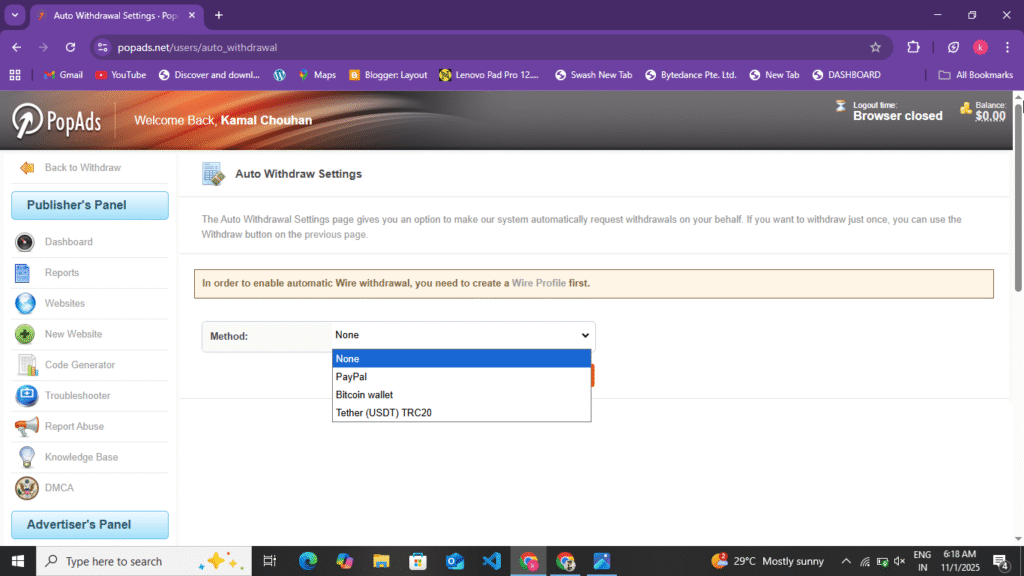
Here, if you create your account in Publisher, then whatever earnings you make here, you can monetize your website and transfer it to your Paypal and bank account or crypto. Here you get to see a minimum withdrawal of $5, which you can do in Paypal. Here you get the option of daily withdrawal. If your one day earning is $5, then you can transfer your payment instantly. You can transfer your amount by following the following points. And if you want to put ads on your website and your earnings are in Publisher, then you can make the campaign live by transferring it to advertisement and can bring traffic to the website.
- Paypal :- Here you can withdraw a minimum of $5 from Paypal. You get this withdrawal on a daily basis. If your daily earning is $5, then you have to request for withdrawal. This withdrawal will be transferred to your Paypal within 1 hour.
- Wire Transfer :- To transfer your amount to your bank account, you must have a minimum of $10 to $15, only after that you can transfer it to your bank account.
Some Words In PopAds Website
You can monetize your website by using the PopAds website. Users who have a website and are getting good traffic but are not getting approval from Google AdSense can monetize their website by using this ads network and earn revenue from their website. Here you get to see Popunder Ads, whose CPM can also be up to $5. This depends on the quality of your traffic. You get to see the CPM here based on where the traffic is coming from and which country it is coming from. Here you can withdraw a minimum of $5. The best thing about this is that here you get the option of daily payout, and this facility is not available on any other website. By reading this blog post, you can easily get approval for PopAds on your website. If you want to increase the traffic of your website, you can do that too. And if you liked this blog post, please comment once.
Disclaimer :- The review of PopAds in this blog post is not a promotion or sponsorship of any kind. This blog post is for the information of the users and any user who does not get approval of Google AdSense can use this website to monetize their website and generate earnings by monetizing their incoming traffic. The information given in it is 100% true.