In today’s blog post, we will tell you which method you can use to complete your profile in Google Adsense and put a green tick. After reading this blog post, by following the given steps and using these methods, you can complete your Adsense profile and put a green tick. First of all, you should understand these following points.
What is google adsense
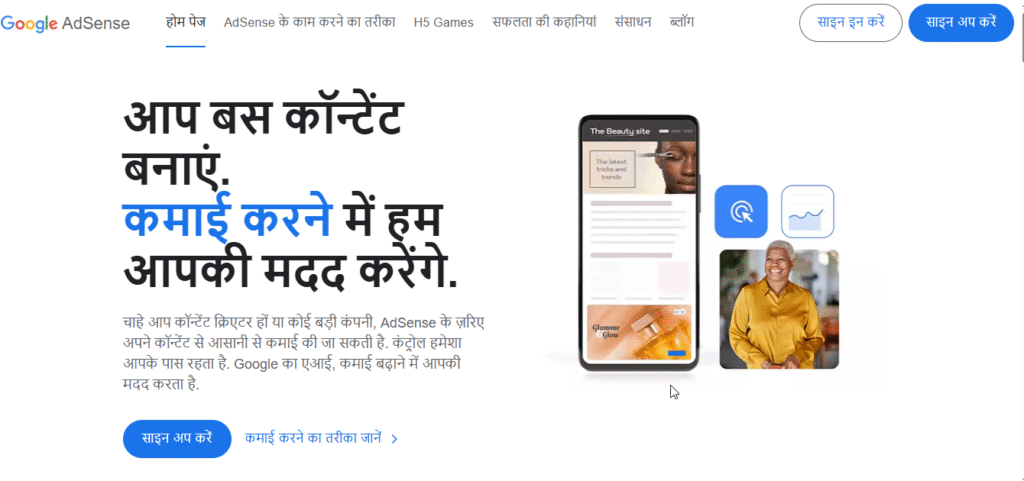
First of all, you should understand what Google AdSense is. Google AdSense is a product of Google itself. Through Google AdSense, any publisher or web developer monetizes his website, due to which Google ads appear on the website and the website developer is able to earn money. The entire work of showing ads on the website is done by Google AdSense only.
How to create your account on Google Adsense
Creating an account on Google Adsense is very easy. You can create your account by following these steps. Be sure to follow the following points.
- First of all, search adsense.Google.com in your browser.
- Now, after searching this, the official website of Google Adsense will open in front of you.
- Now you will see the sign up option at the top, click on it.
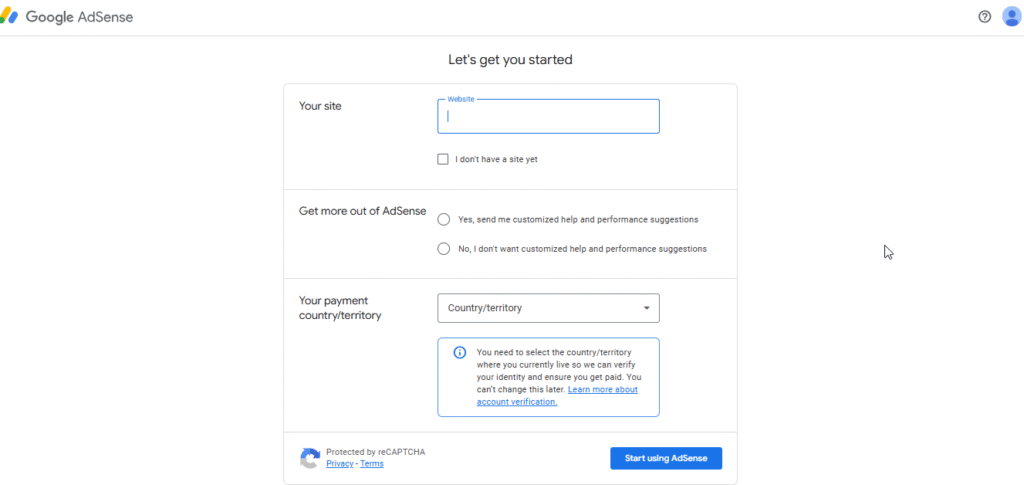
- Now a form will open in front of you, you have to fill in all the required information like name, address, mobile number etc.
- If you have a website, then you have to put the link of the website, if not then you will see a check box at the bottom, you have to click on that check box.
- Now you will get the option of Get OTP by entering your mobile number. The OTP which will come on your number, enter it in AdSense, you have to fill that OTP and click on the option of Get Account.
- Now after doing all this, your profile will go under review and in 5 to 7 days, a green tick will appear on the profile if you have not used that address anywhere till now.
If your account still does not get verified with the green tick from here, then you can create your account by following the following points.
Oculus Proxies Website Review How to Run Proxy in AdsPower Easily :- Read More
Pro Tip for Completing Your Google AdSense Profile
If after following these steps, you still get a duplicate error in your account, then you can use this pro tip and green tick your AdSense profile.
- Create your account in the same way as we discussed in the previous step.
- Now you have to go to the payment profile in AdSense and go to Google Maps and pick any shop or location and copy the map that is showing and paste it in the payment profile of AdSense.
- Now you have to do this and wait for 2 to 7 days, your payment profile will be completed and you will get a green tick.
A few words about this blog post
In this blog post, we explained how you can create your Google AdSense account. By following these steps, you can put a green tick on your Google AdSense account, complete, and verify your payment profile. For more information, please leave a comment and subscribe to our YouTube channel.