In the previous blog post, we had given a full review of this website, how to buy the data of the proxy website, how to create your account and how to set up the username and password of the proxy.
In today’s blog post, we are going to talk about how to run the proxy on Ads Power after purchasing it, how to run the profile, how to create a profile and how to create your account on Ads Power. So, first of all, you should understand what is Oculus Proxy and what is Ads Power.
How To Complete Adsense Profile :- Read More
What is Oculus Proxy?
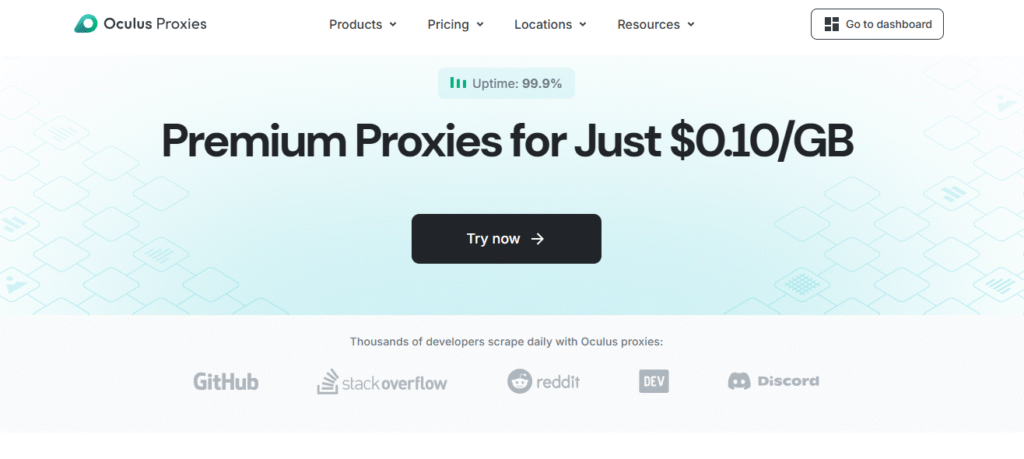
Oculus Proxy is a website that provides premium proxy services. This service can handle web scraping, data collection, and multiple social media accounts, eliminating the possibility of account blocking. This proxy comes with 99.99% uptime, fast performance, and CCPA and GDPR compliance.
You can buy any type of proxy from this website, and you also get 100MB free here. After that, you can go for a paid plan, in which you will get to see residential proxy, data center proxy and IP.
What is Ads Power
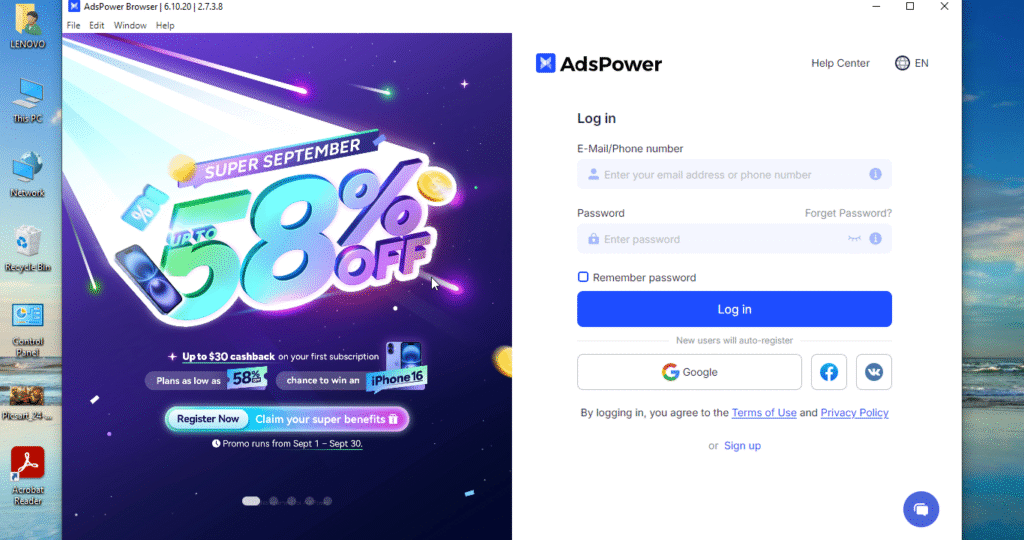
Ads Power is an anti-detection browser used to protect online accounts from being lost anonymously. It creates different browsers, each with a unique fingerprint such as User Connection, Canvas, Fingerprint, and other browser fingerprints that mimic the real user. It can prevent account blocking or banning on platforms like Facebook, Instagram, TikTok, and YouTube. It is especially useful for digital marketers, affiliate marketers, e-commerce sellers, and social media managers who need to manage dozens or hundreds of accounts.
Now you have understood what Ads Power and Oculus Proxy are and where they are used. Now you need to understand how to create your account on Oculus Proxy, how to create your account on Ads Power, how to create your profile on Ads Power and how to get that profile running. We are going to give you information about all these in this blog post.
How To Create Account In Ads Power And Buy Paid Plan
You can create your account and purchase a paid plan by following these steps. You have to read these steps completely and only then create your account and expect 100MB for free.
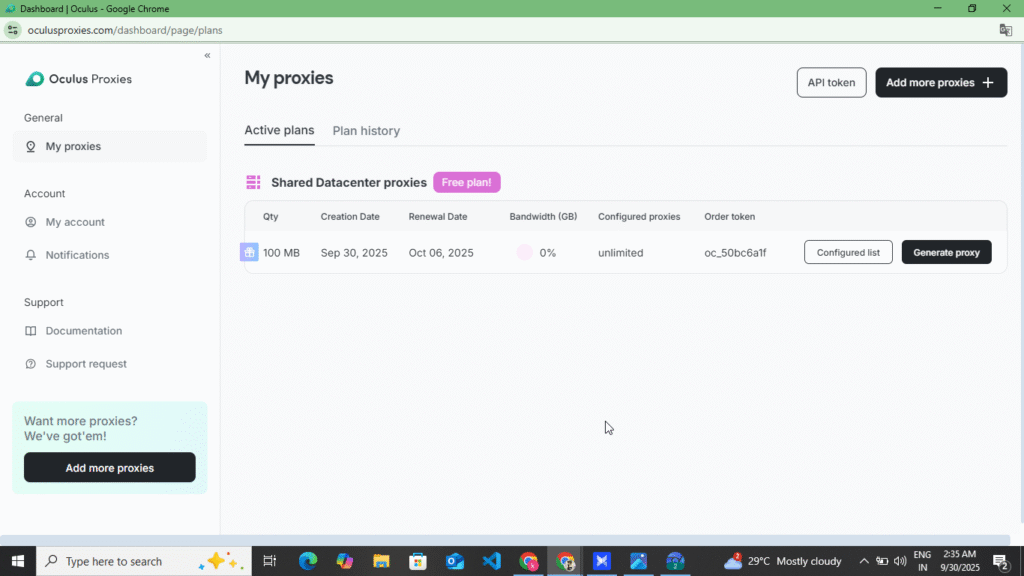
- First of all, you have to search for Oculus Proxy in your browser and the first website you will find, as soon as you click on it, its official website will open in front of you.
- Now after opening the website, you will see the sign in option at the top, click on it.
- Now you will see the 100MB option, click on it and create and verify your account with your Gmail.
- Now you will see the option of your claimed 100MB, next to it you will see the option of create profile, click on it.
- As soon as you click, you will see a new dashboard where you have to select the country and select HTTPS. After that, you have to copy your host name, port name, username and password.
How To Create Account In Ads Power And Run Proxy Profile
You can create your account by following the following steps and get your profile running and also see how much IP score you are getting, so read the following steps carefully.
- First of all, open your browser and search for Ads Power and download the Ads Power software. After downloading, open the software.
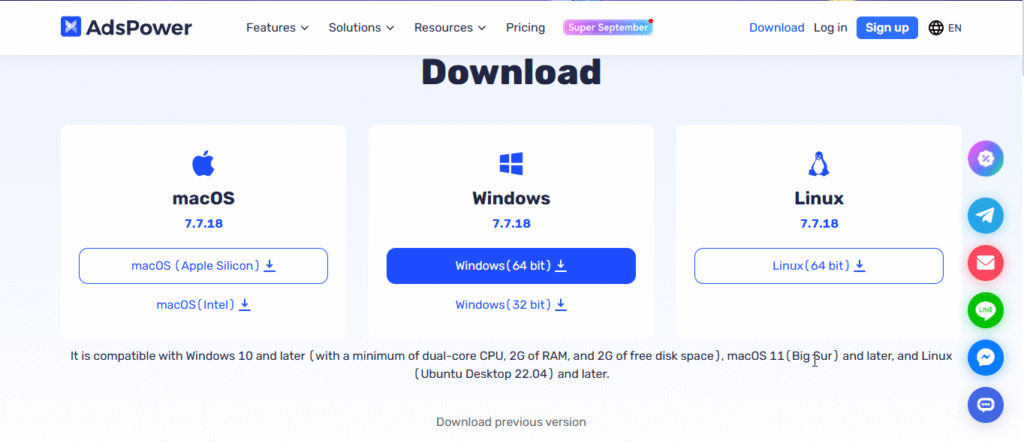
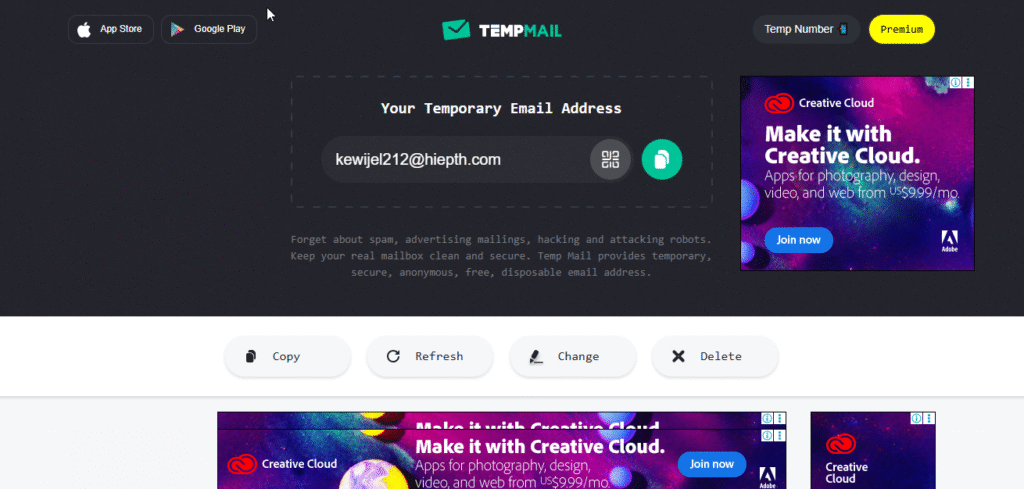
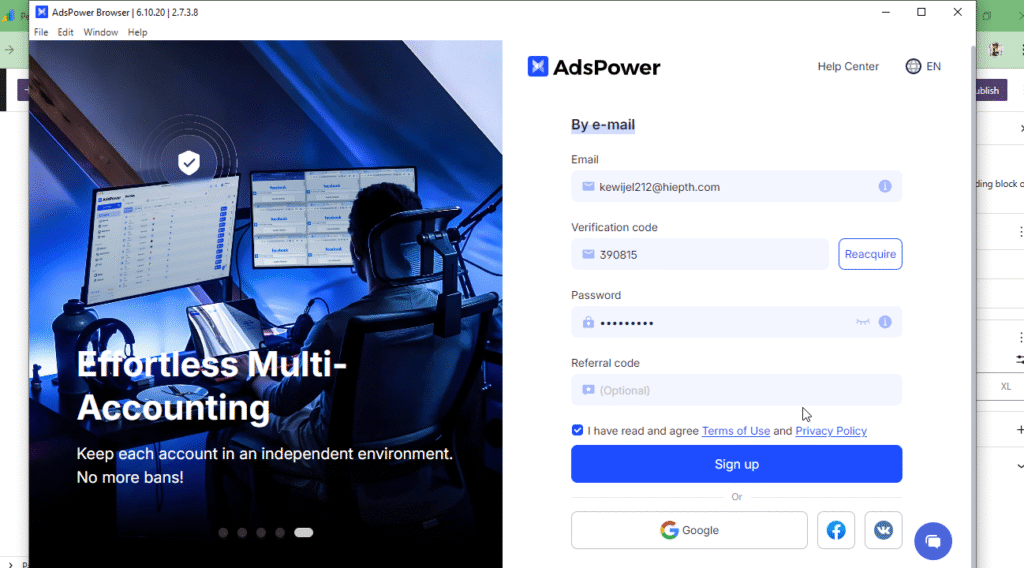
- Now after opening it, this entire form for creating an account has opened in front of you. Now you have to go to your browser and search for Temp Mail there. After doing this, the first website will open in front of you. Click on it and open its official website and copy the Gmail given there.
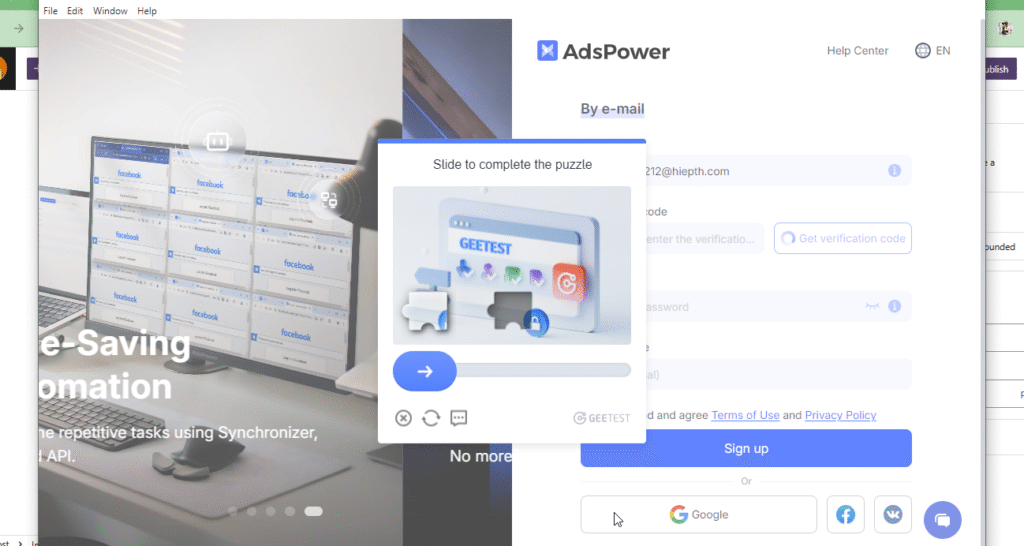
- Now you have to open the official app of Ads Power again, you have to come to it, there you will see the option of Gmail, you have to paste the Gmail in the input and at the bottom you will see the option of Get Verification Code, you have to click on it.
- Now you need to return to the Temp Mail website. You will see the verification code in the inbox at the bottom. Open Gmail and copy the code.
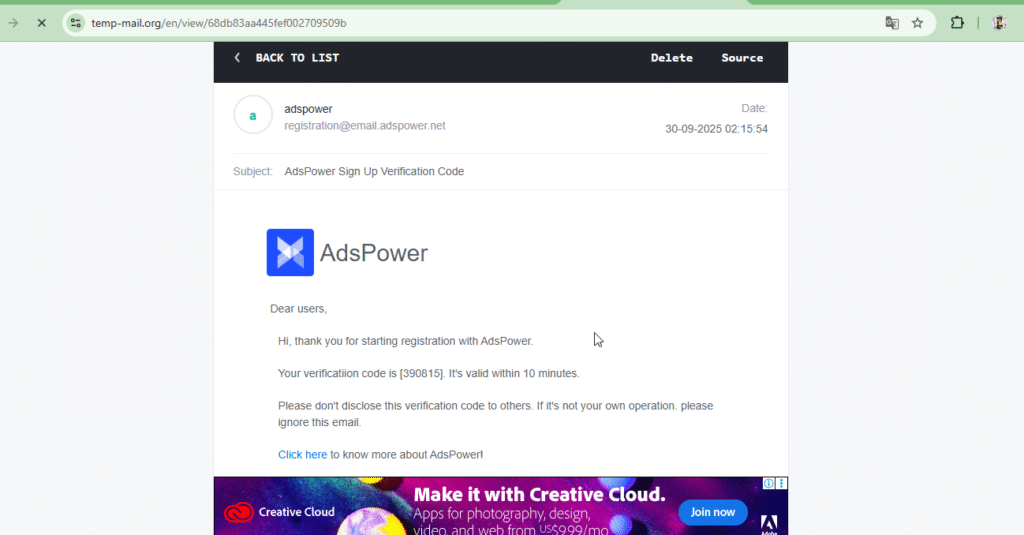
- Now you have to enter that code in the input on Ads Power and at the bottom you have to create your account by filling your password, due to which your account will also be verified, now your account has been created for free, now you can run five profiles simultaneously in it.
How to Create and Run a Profile on Ads Power
You can create and run a profile on Ads Power by following the steps below.
- Now, after opening Ads Power, you will first see the option of New Profile at the top, click on it and enter the name of your profile in its input.
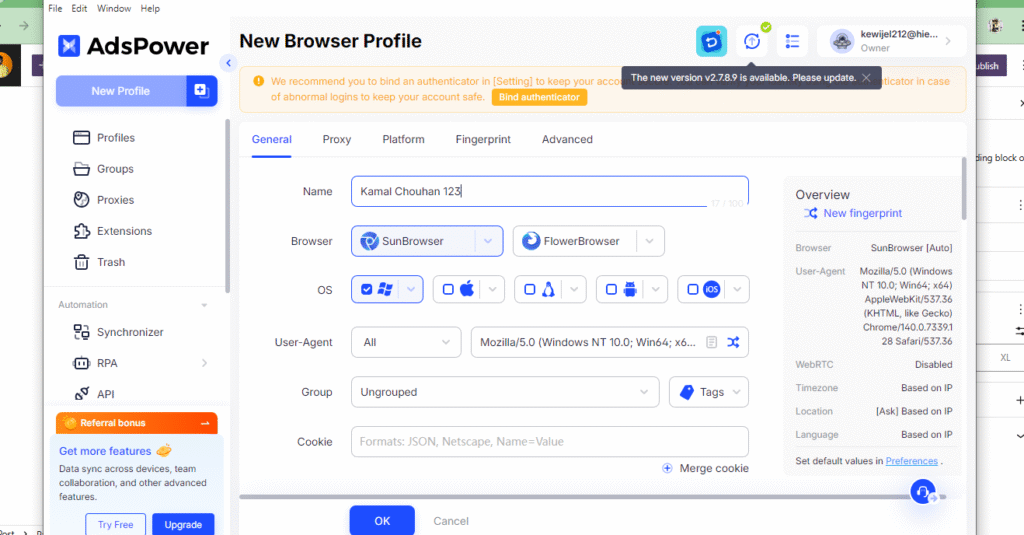
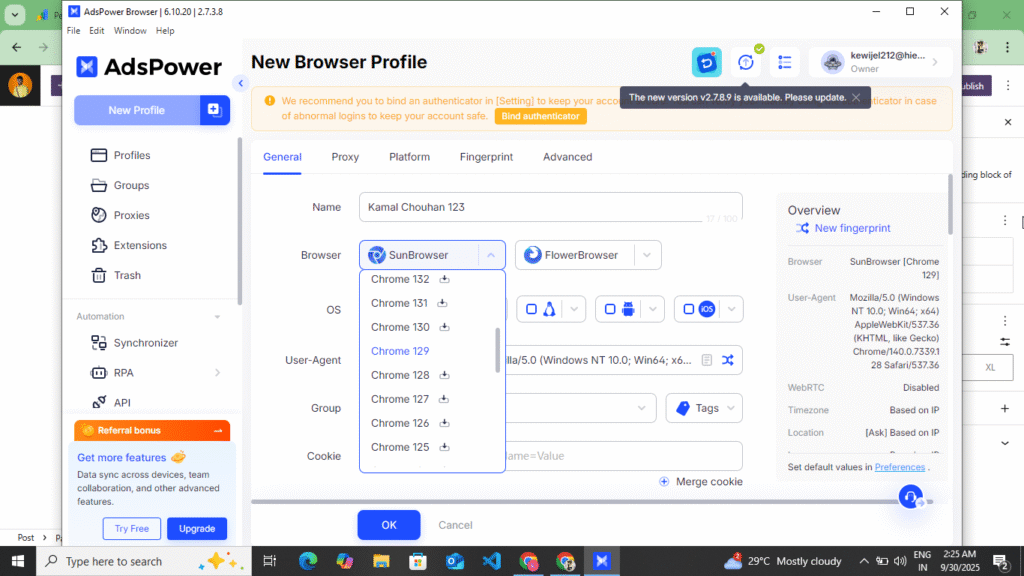
- Now, on scrolling downwards, you will see the browser option. Select Sun Browser and then Browser 129.
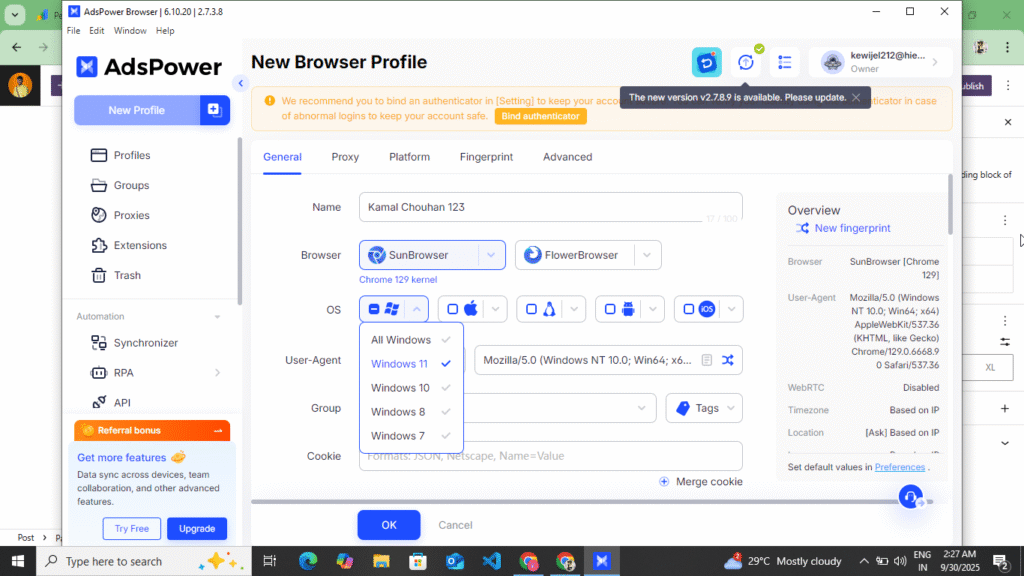
- Now, when you come down further, you have to select your device like Windows, Linux, Android, IOS, you can select any one as per your choice in which you want to run your proxy. I Am Select Window 11
- Now, when you come down further, you have to select HTTPS and paste the Username, Host Name, Port Name and Password that you had copied and you will see the Create Profile option at the bottom, click on it and complete your profile.
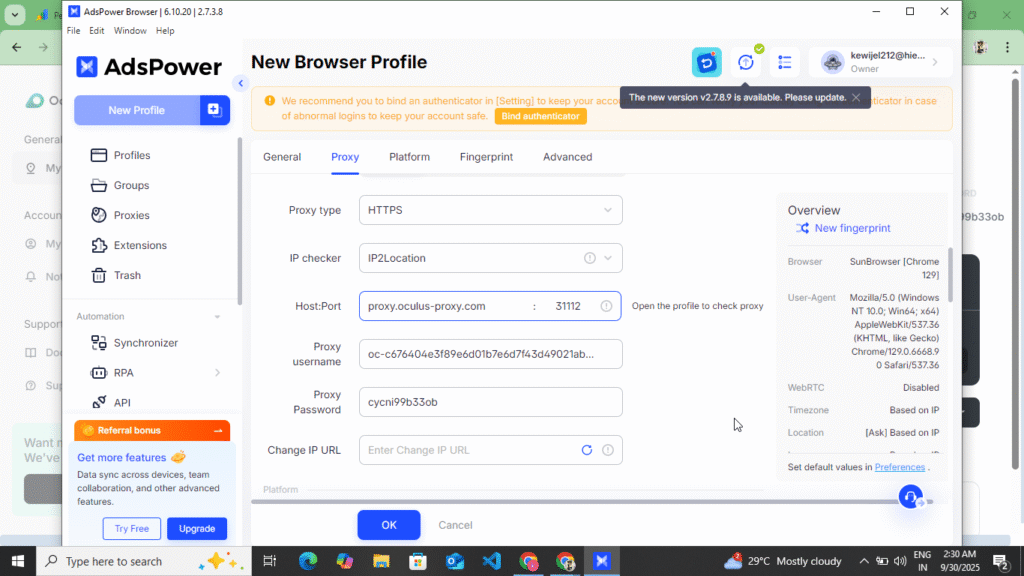
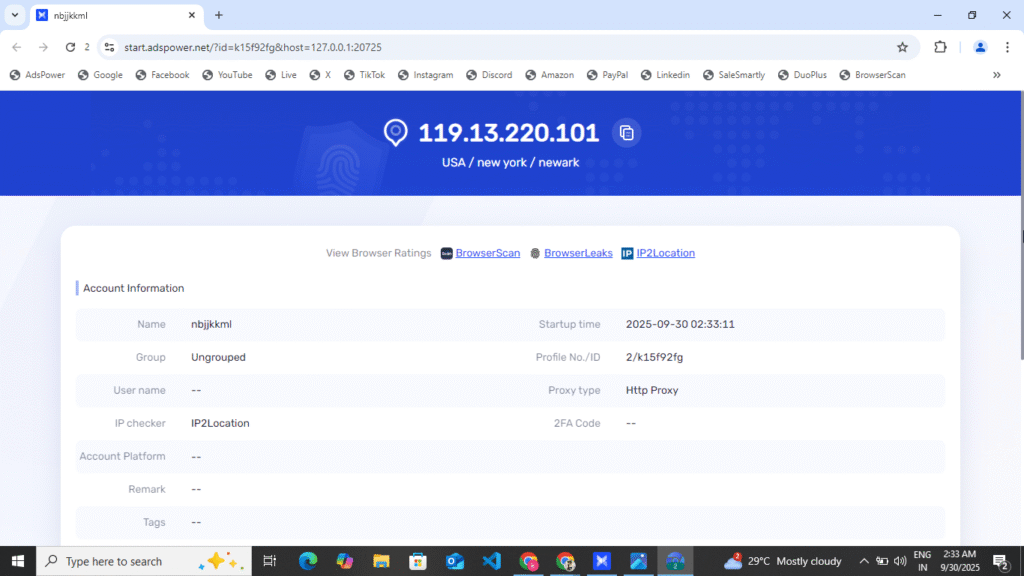
- Now to run your profile, you will see the option of Run in front of the profile you have created, you have to click on it, as soon as you click, a browser will open in a new tab, there you have to search for IP score and after that you can see what is the score of your IP, you can see all these reports if you want country code.
Some Words This Post
In this blog post, we have told you how to create your account on Oculus Proxy and how to run it on Ads Power. By reading this blog post, you can create your account on Ads Power and buy a proxy from Oculus Proxy. After creating your account on Ads Power, you can create profiles and run them and control your social media platforms and accounts from here, as the possibility of your account getting blocked will be eliminated. This blog post has not been created for any sponsorship; it has been created by us to give information to the users about how to use it. That is why we have written this blog post. If you liked this post, then do share it with your friends and do tell us in the comments.
Disclaimer
This Post Not Any Sponsor/Prmotion This Blog Make Only User Information For How To User Ads Power And Create Account In Ads Poswer With How To Create Account In Oculus Proxy And Claim Free 100MB Plan Cheack IP Score. This Post Only User This Website Information Provide Not Any Prmotion. All User Easy Use This Website And User Ads Power Software Not Any Promblem And Voilation. Thank You Read This Blog Post