
If you run a website and want to earn money from it, then you might have come across ad networks like Google Adsense, Propellers Ads, Hilltop Ads etc. You might have heard about them but in today’s blog post, we are going to talk to you about another new Ads network named AdMaven. This Ads network gives instant approval to your website. You simply have to sign up here and create your account. After that, after submitting your website and verifying the ownership, your website gets approved in 10 to 15 minutes. After approval, you can earn revenue by placing ads on your website and if you have got approval from any ad network, then also you can earn money by placing these ads.
Even if you don’t have a website, you still want to earn money from here. Here you will see the option of direct link. By generating a direct link, you can promote it on social media like Instagram, Facebook, and Twitter and earn money from it. In this blog post, we will tell you how you can create your account on AdMaven and how you can create your account in Advertisements and Publisher. After creating it in Advertisements, how you can generate advertisements and leads for your website. Along with this, you can earn money by creating your account in Publisher and monetizing your website. How you can withdraw that money to your bank account and PayPal. Along with this, we will also discuss with you how you can earn money by joining its referral program. You have to read this blog post completely and if you like this blog post, then definitely share it with your friends.
First of all, you should understand what AdMaven is and how it gives you money and how you can generate more revenue here.
What is AdMaven
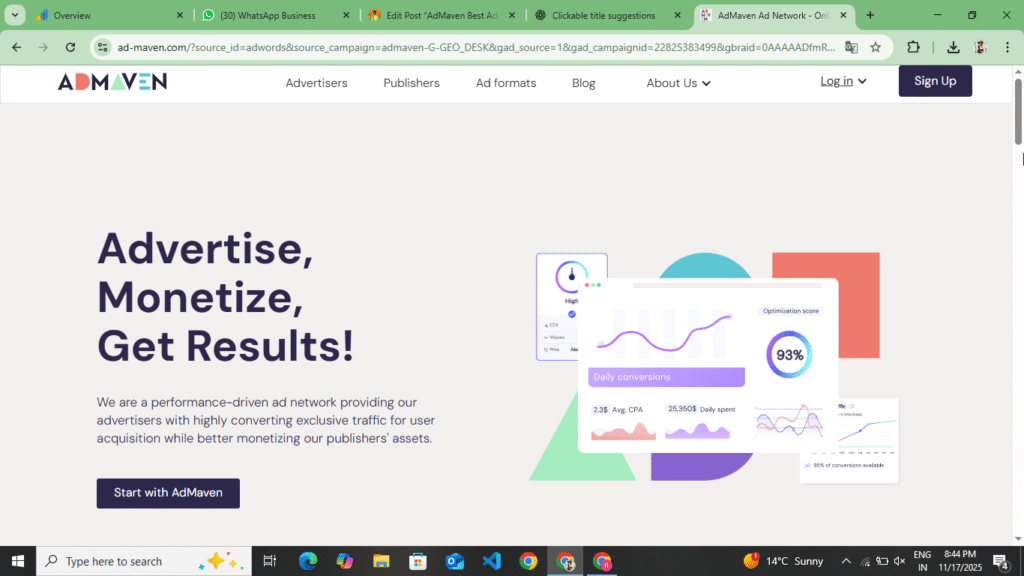
AdMaven is a premium advertising network that allows website owners to earn money from their sites. It also offers an advertising panel. Users who want to promote their websites and generate leads can create an account on AdMaven and advertise. Additionally, you’ll also find a publisher option. Those who want to monetize their websites can create an account on AdMaven and monetize their websites. Ads are run on the publisher’s website. This ad network was launched in 2015 and has become one of the world’s largest push notification, PopAds, native ads, intercital ads, and banner ads networks.
In ads also, they have publishers and advertisements from more than 200 countries associated with them. Its biggest advantage is that it supports all types of websites, be it your news site or movie sites, blog download site or tool website. It gives you platform approval and also makes instant ads live on your website and the platform tells you your statistics and tells you your earnings and here you get weekly payment in which minimum is kept at $0.5.
HilltopAds Best Ads Network And Monetize Website Full Review :- Read More
How AdMaven Works
The work of AdMaven is very simple. It pays you money in exchange for showing advertisements on your website. When a user comes to your site and clicks on an advertisement or views it, you get revenue and when a user creates his account in advertisements and makes his ads campaign live there by adding payment there, then the ads of those advertisements are shown on your website. When your website is monetized from here, then the ads of those advertisements are shown on your website and when a user goes to your website and clicks on those ads, then he goes to their website through the links of the advertisement ads which were placed and in return you get revenue, so its work is like this and it earns 1 to 2% in between.
How to make money with AdMaven
To earn money from AdMaven, you must have a website. Even if you don’t have one, you can still earn from here. Here, you’ll find a direct link option. You can generate a direct link and promote it on social media platforms like Facebook, Twitter, and Instagram. You can earn from this direct link, transferring it to your PayPal or bank account. Those with a website can add it here, verify their ownership, monetize their website, and earn by placing ads on their website. Ads also pay you through both CPM (cost per thousand impressions) and CPC (cost per click). This means that if your site has good traffic, you’ll earn from impressions without clicks. Austin ads also have a low rate of $1 to $10, depending on your traffic, location, content type, and ad format. For example, if your website receives 10,000 visitors per day and the average low rate is $3, then Your daily earnings can be up to around $30
How to create an advertising account on AdMaven
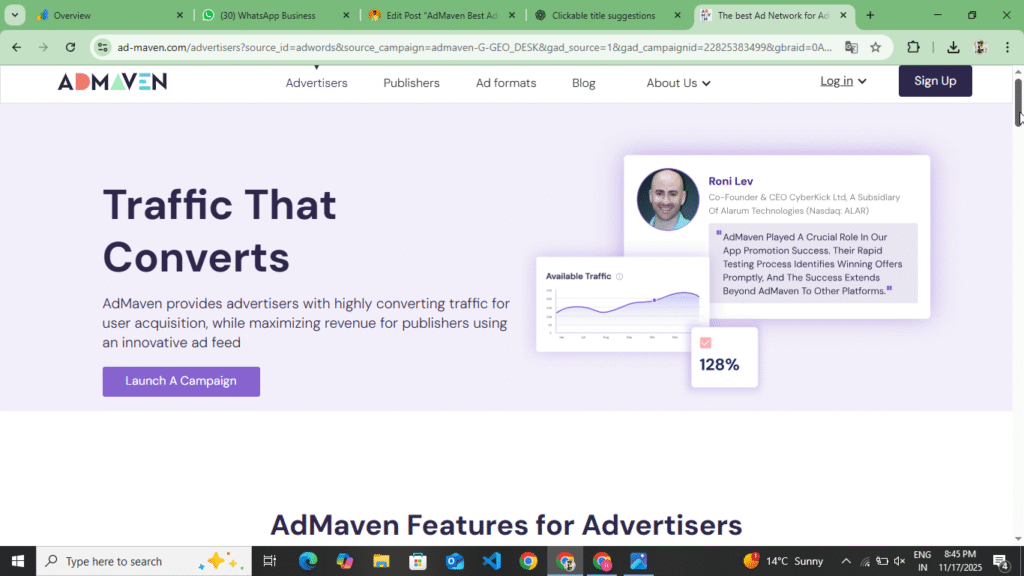
To create an account on AdMaven, first you need to understand what type of account you want to create here. If you want to advertise your website, then you have to give your account in Advertisement and if you want to monetize your website, then you have to create your account in Publisher. First of all, you should understand how to create your account in Advertisement. You can create it by following the following points.
- First of all, you have to open your browser and search for AdMaven. You will find its link in the description or at the bottom of this ad. By clicking on it, you will be taken to the official website of AdMaven.
- Now after coming to AdMaven, a simple website interface will open for you. You have to read the information given in the website once. You will also get to see the minimum amount that needs to be added here. Now you have to click on the sign up option at the top.
- After clicking on the sign up option, you have to select the I Am Advertising option at the top and after selecting it, you have to enter your Gmail password and fill the captcha and click on the Create Account option.
- Now as soon as you click on the Create Account option, you will receive a verification code on your Gmail account or through the Gmail ID email ID you added here, you have to verify your account through the mail.
- After verifying your account, your advertisement panel will open. You will see the Billing and Amount Statistics Reports and Support option in the sidebar. Here, you have to click on the Billing and Amount option. Before making the advertisement live, you have to make a minimum deposit of $50 here.
- Now you can make this deposit using your debit card, credit card or crypto. As soon as you make the deposit, you will be redirected to the Campaign option.
- If you are not directly on the Campaign option, then you will see three lines on the top, by clicking on it you will get to see the Campaign option, by clicking on the Campaign option you will get to see the Create Campaign option, you have to click on it, as soon as you click on it, you will get the title of your website and the URL of the website whose ads you want to give here, if you want to get the app installed then you have to put the link of the app.
- Now after doing all this, you have to keep one important point in mind. Here you get to see CPM and CPC. If you want impressions or traffic on your website, then you have to select CPM and if you want to generate leads on your website and get the app installed, then you have to select CPC. If you select CPM, then your payment will be deducted on the basis of impressions and if you keep CPC, then your payment will be deducted on the basis of clicks. So, you have to select accordingly here.
- Now after selecting all this, you have to make the campaign live and you have to fill the asked information carefully. After filling all this, the campaign will go live and will be in processing for some time, after that it will automatically go live and traffic will start coming on your website or app.
So, in this way, you can create your account in Advertisements, create Ads, select CPC/CPM, make Ads live, and add payments. In this, you have to keep an important point in mind when you add your website here. If there is an app for Ads, then you have to carefully add the link of the App. You have to check once whether you are directing it to the website or not. Add the link of the website here. Another important point to keep in mind is that before you make Ads live here, you have to select either CPC or CPM. In CPM, your payment will be deducted based on impressions, and in CPC, your payment will be deducted based on key writing, so you can select accordingly. So, in this way, you can create your account in Advertisements and make Ads live. The minimum debit here is $50.
How to create an AdMaven account in Publisher
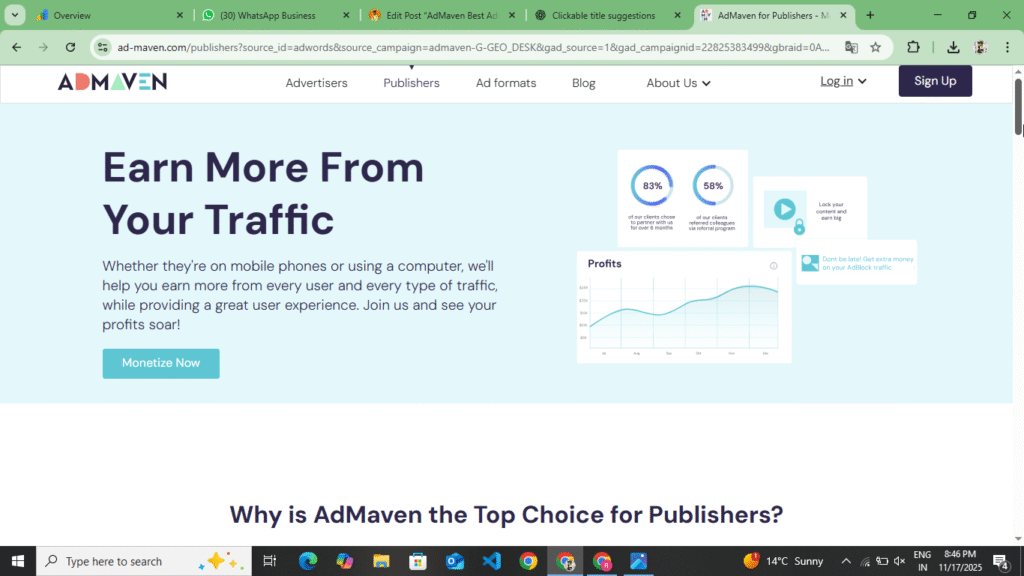
Here you can create your account in Advertisement and Publisher. By creating your account in Publisher, you can monetize your website, make ads live and can arrange them from here. By following the following points, you can create your account in Publisher, add the website, verify the ownership of the website, make ads live on the website.
- First of all, you have to open your browser and search for AdMaven. As soon as you search for AdMaven, you will find the first website. You have to open the website by clicking on it. You will find the official link of this website below. By clicking on it, you will also go to their official website.
- Now here you will get to see the complete information about this website, along with this, after your website gets approved here, what type of ads do they provide you and what type of CPM do you get, what type of CPC do you get and which companies’ ads do you get to see here, you will get to see the information about all this here, you have to read all this once and after that create your account.
- To create an account, you will see the sign up option at the top, you have to click on it. As soon as you click on it, another new panel will open in front of you, in which you have to fill all the information carefully. First of all, you have to select I Am Publisher option here, after that you have to enter the URL name, email ID and password of your website and click on the create account option.
- As you click on the option of create account, your account will be created and the Gmail which you had entered here will receive a mail on Gmail, you have to verify your account through that mail, as you verify your account, the official website of this website will open in front of you and there you will first see the option of statistics, you will see the dashboard and you will see the option of profile, now you have to verify your ownership of the website which you entered the URL of your website, to verify the ownership, you get to see two steps here, first is that you verify your website through Meta Tag and second is that you can also do it by uploading a file in File Manger, you can do it through Meta Tag.
- Now after verifying your ownership, you have to wait for a while. After waiting, your website will be approved here. As soon as it is approved, you have to generate the Ads code for that website. Here you get to see Native Ads, Popunder Ads, Social Ads. You have to generate their Ads code and place those codes on your website. To place them on the website, if you have a WordPress website, then you can install WP CODE in the header and Place on Fotter. And if you have a Blogger website, then you will have to manually place the code here.
- After you place all these codes, the ads will go live and any user who comes and clicks on those ads, then you earn here, so in this way, you can create your account in the publisher and generate the ads code and make it live.
Now in this way you can create your account in Publisher and monetize your website by adding it here. Here you can use Wp Code Header and Fotter Plugin to place the Ads Code on your website. If your website is on Blogger then you can also update it manually there and make your Ads live. If any user comes to your website and clicks on the Ads then your earning is shown here. You get to see this earning here after a day. On the day when a user visits your website then whatever information is there about him is updated the next day. Here you get to see a CPM of $1 to $5.
Types of Ads on AdMaven
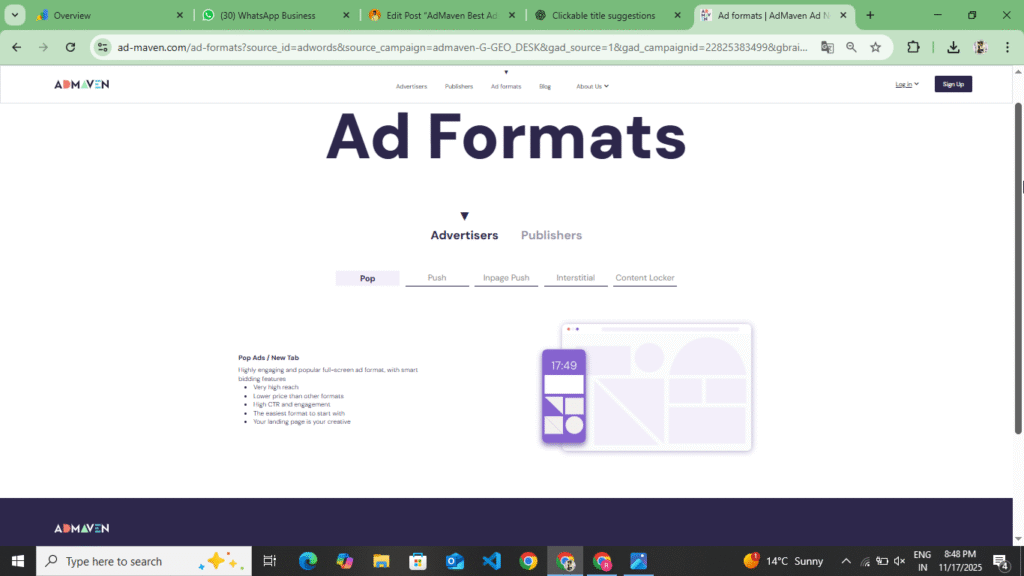
You get to see many types of ad formats on AdMaven. Here you get to see push notifications, negative ads, industrial ads and banner ads. How can you place these ads on your website and which are the highest CPM ads, by placing them you can increase the CPM of your website and increase your earnings.
- Pop Ads :- When a user opens your site, a new tab or window opens in which the advertisement is displayed. This is Pop Ads. You get to see the highest CPM of this every time.
- Push Notification :- Ads are shown to the user in the form of notifications on mobile or desktop and if a user enables these, then notifications keep going to his mobile and he keeps earning.
- Native Ads :- These ads look like the content on your website, which increases the CTR click-through rate.
- Interstitial Ads :- These are interstitial ads covering the entire page, which help a lot in attracting user attention. You can always see high CPM for this too.
- Banner Ads :- These are classic ads that are placed in the header or side bar or footer of the website. You can place them above your header, below the footer and between the content, above the blog post and in the side bar. In these, you get to see payment on the basis of impressions. You can use Ads Insert Plugin to place it in your WordPress website and if it is a Blogger website, then you can add these codes in the layout area of the theme and make the ads live.
AdMaven Payment Details
| Information | Description |
| Minimum Payout | $10 for Bitcoin or Web Money and $50 for Paypal or Wire Transfer |
| Payment Method | Paypal, BitCoin, Bank Transfer |
| Payment Frequency | Weekly or Monthly |
| Payment proof | Several publishers have shared AdMaven payment proofs |
The best thing about AdMaven is that it pays weekly, which means you get your earnings every week and if you want to take it monthly, you can do so.
AdMaven v/s Other Ad Network
| Picture | AdMaven | Adsense | Propeller Ads |
| Approval | Easy | Difficult | Easy |
| Payment | Weekly | Monthly | Weekly |
| Min Payout | $10-$50 | $100 | $5 |
| Ad Format | 5+ | 3-4 | 5+ |
| Best For | All Website | Quality Blogs | All Website |
If you’re not getting approval from AdSense, AdMaven can be a great alternative. It offers faster approvals and fewer content type restrictions.
Some Words In AdMaven Reviews
If your site is not getting AdSense approval, then AdMaven can also be the best AdSense alternative for you. It gives you high CPM, fast payment and easy integration. If your website is an entertainment, news or tool website, then it also gives you approval in ads. You just have to choose the right format and increase traffic.
AdMaven is a reliable and excellent advertising network that allows website owners to earn money quickly and easily. If you’re not receiving Google AdSense approval, repeatedly encountering the “Low Value Content” error, and your website has good traffic, you can use this advertising network. The minimum withdrawal amount is $1, which you can transfer to your PayPal or bank account. You can also find weekly and monthly payment methods here. If you don’t have a website, you can also earn money by promoting their direct link. You also have a referral program option. Joining it can earn up to 30% commission. This way, you can use AdMaven and generate significant revenue. If you enjoyed this website review and found this information helpful, please share it with your friends and leave a comment.
Disclaimer :- AdMaven website review is not any kind of sponsorship or promotion. This review is written for the information of the users. Those who are currently blogging and are unable to get Google AdSense approval due to which they are unable to earn even a little revenue from their website. They can earn revenue from their website by using this website and can withdraw some payment from their website. This website review is written by using this website.